Ynai Orbit
The legal workspace for Kenyan advocates
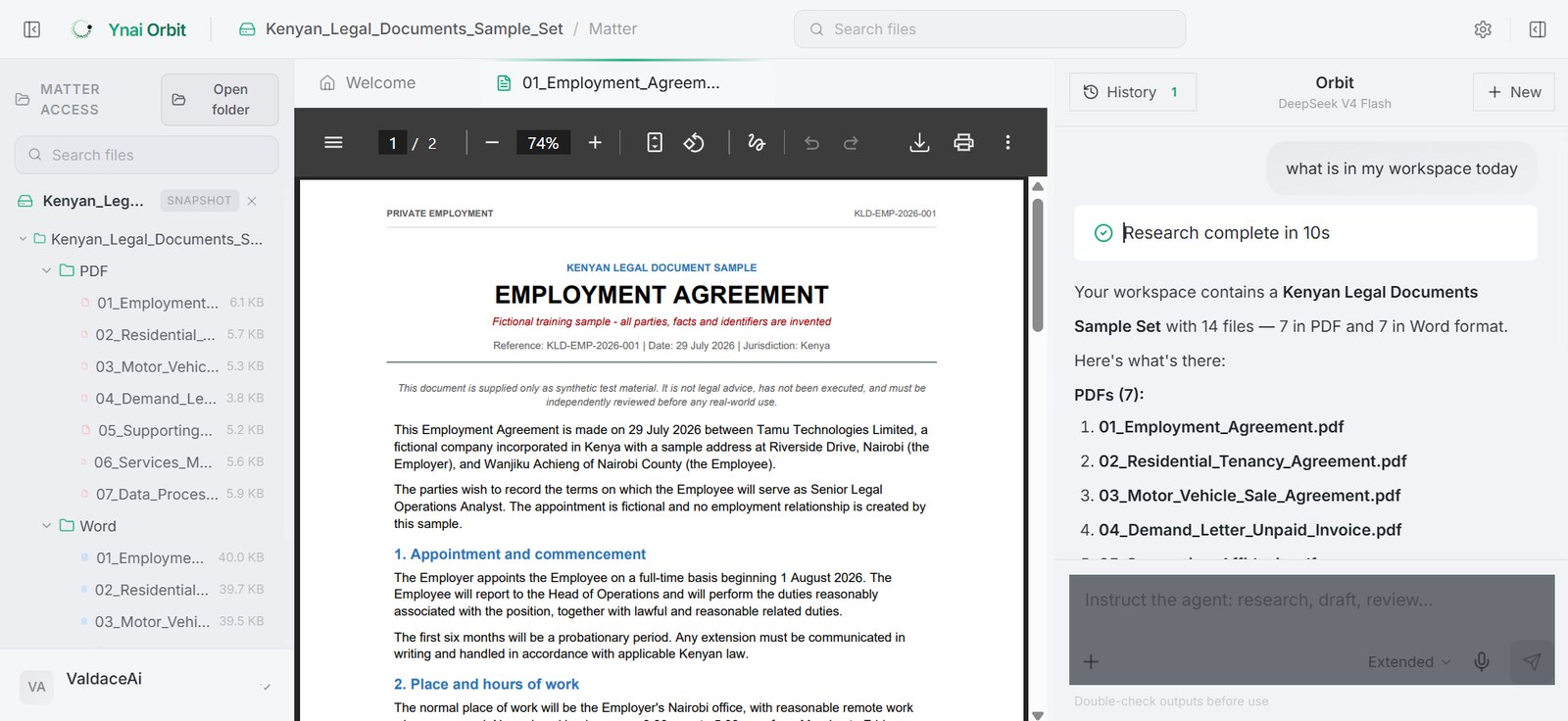
Ynai Orbit is an agent inside a workspace made for Kenyan legal practice. It is trained on Kenyan legal formatting and style, reads every file in your matter folder and its subfolders, browses the web for what has changed in the law, and drafts Word and PDF documents ready to file. Research, draft, review, and clarify in one place, in the app and inside Microsoft Word, on any frontier model you choose. Wake up, log in, and go about your day.
Open your folder. Ask for anything.
- The same bundle, uploaded to a fresh chat every morning.
- Research in one tab, your files in another, the draft in a third.
- One model, take it or leave it.
- A confident citation, quietly resting on a judgment that was overturned.
- A draft formatted as if it were bound for a New York court.
- Privileged files, pasted into a chatbot you do not control.
Read once, kept for good.
Open your folder and Orbit holds the whole matter. No re-uploading the same files to a new chat to start over.
The whole job, one place.
Research a point, draft the petition, review a contract, pull a chronology, or get a quick answer, all across the same matter.
The models you want.
Thousands to choose from, the ones we have tested for Kenyan work, or your own key. Pick per matter.
Current law, not last year's.
Ask what a recent judgment held or how an authority has been treated since, and answer on where the law stands today.
Kenyan by default.
Format, citation and procedure follow Kenyan practice from the first line, ready for the registry.
Your matter stays yours.
Your files live in your own workspace, under your account, there when you open it.
Or work where you already do.
Orbit opens beside your document in Word. Its edits arrive as tracked changes, in your formatting, for you to accept or reject.
The applicant thinks that avers that the respondent did a breach of breached the agreement of 12 September 2023, contrary to clause 8.2, and seeks an order of specific performance. Ynai Orbit · tightened the averment and pinned the breach to clause 8.2 · Accept / Reject
The application is premised on the grounds set out in the supporting affidavit sworn on 4 March 2025.